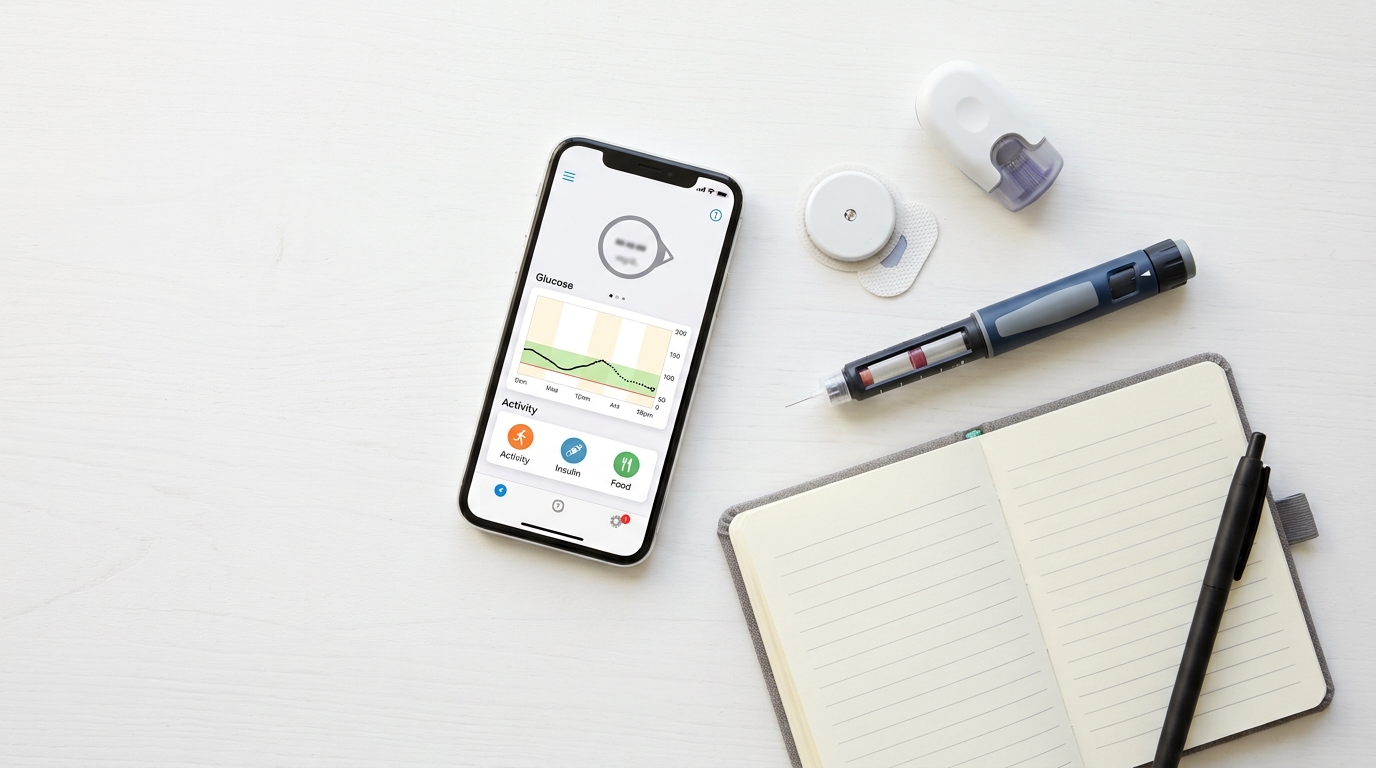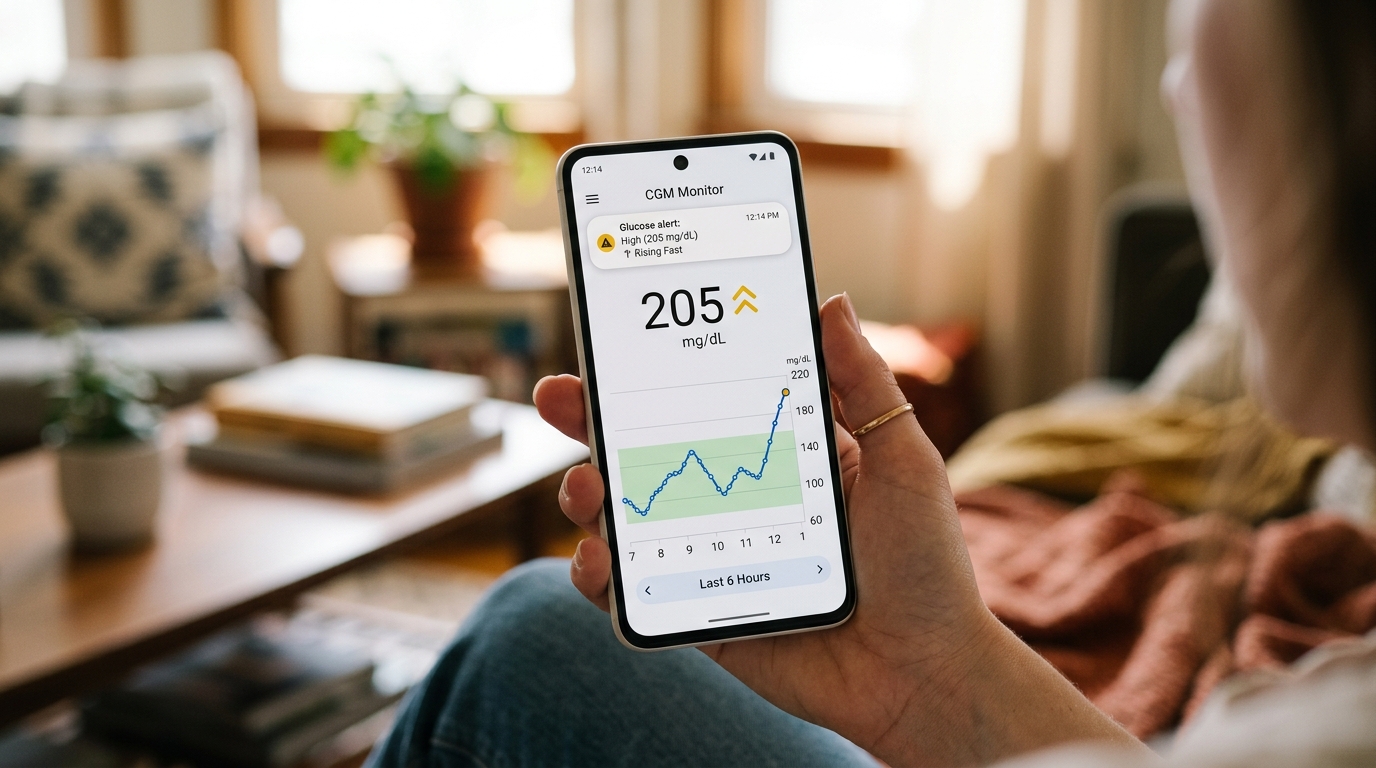
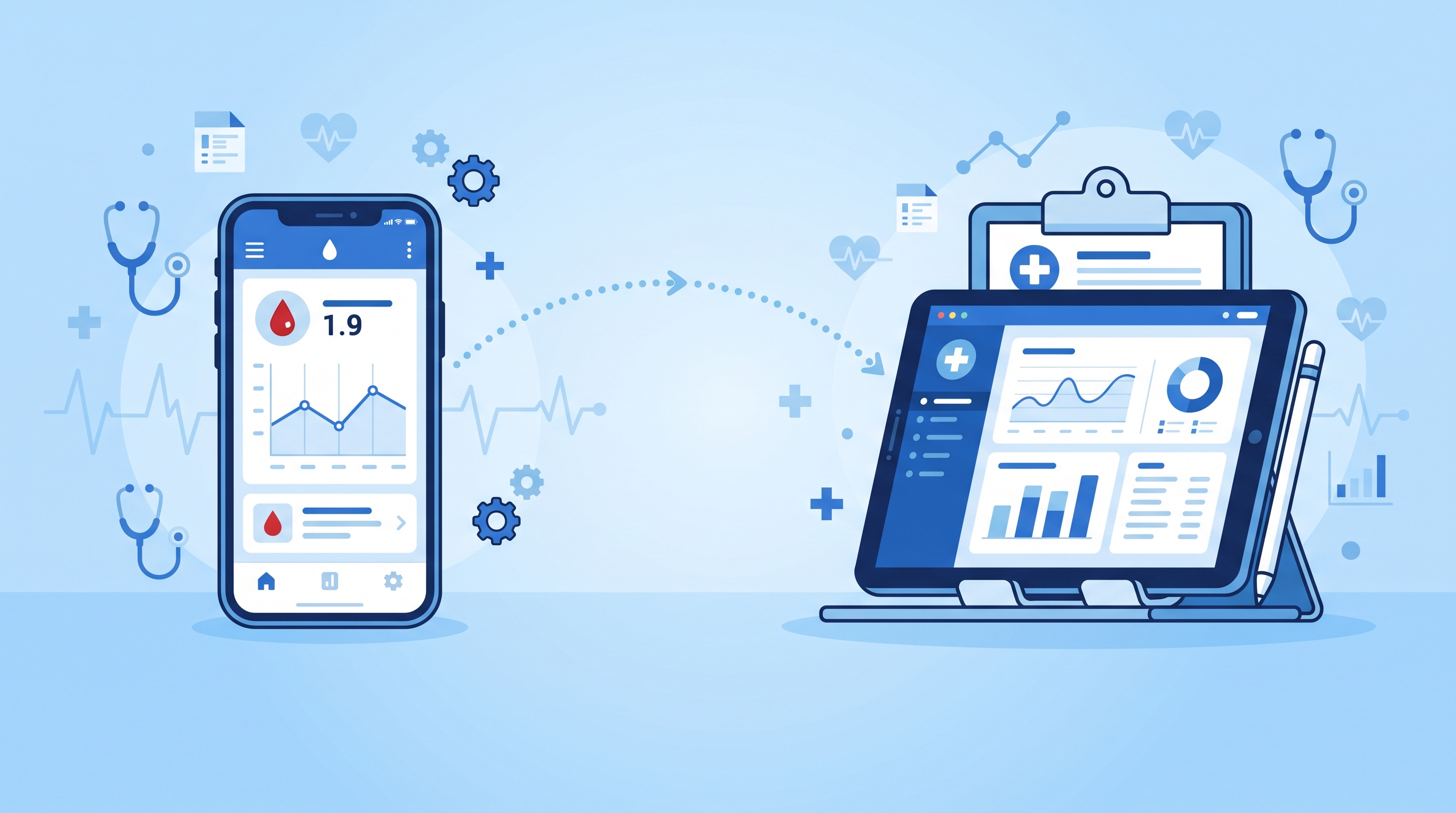
One of the quieter benefits of moving from finger pricking to a continuous glucose monitor is how much easier it becomes to share your glucose information with the people who need to see it. A doctor no longer has to rely only on a single HbA1c number every few months or a handful of finger prick readings you happened to write down. Family members no longer have to guess whether everything is fine or wonder if they should check in. With a CGM like the iCan CGM, your glucose data can be shared in real time, giving both your medical team and your loved ones a much clearer window into how you are actually doing.
This article explains how data sharing works with the iCan CGM system, why it matters for both medical care and everyday peace of mind, and how to set it up so the right people can see the information they need.
Why Real Time Data Sharing Changes the Conversation With Your Doctor
For a long time, diabetes management relied heavily on periodic snapshots. You would visit your doctor, they would check your HbA1c, maybe look at a logbook of finger prick readings, and make decisions based on that limited picture. The problem is that an HbA1c number is an average over roughly three months, and it does not show the ups and downs that happened along the way. Two people can have the exact same HbA1c while one of them had smooth, stable glucose levels and the other had frequent highs and lows that balanced out on paper.
A CGM changes this by capturing glucose readings every few minutes, day and night, building a detailed picture of patterns over time. When this data is shared with your doctor, whether through exported reports or shared app access, they can see things like how your glucose responds after specific meals, whether you tend to drop overnight, or how exercise affects your levels. This kind of detail allows for much more precise adjustments to medication, insulin dosing, or lifestyle recommendations than a single lab number ever could.
How to Export and Share Reports With Your Doctor
The iCan CGM app is built to make this process simple. Inside the app, your glucose history is organized into reports that summarize trends over different time periods, often showing information like time in range, average glucose, and the frequency of highs and lows. These reports can typically be exported as a file and sent directly to your doctor before or during an appointment, which saves valuable consultation time that would otherwise go toward manually reviewing numbers together.
Many people find it helpful to export a report a day or two before a scheduled appointment and send it ahead of time by email or WhatsApp, giving the doctor a chance to review the data before you even walk into the room. This turns the appointment into more of a conversation about specific patterns and adjustments, rather than spending the first several minutes just going over raw numbers.
If your doctor uses a clinic based glucose monitoring platform, it is worth asking whether the iCan CGM app supports direct integration or export in a format compatible with their system. Even without a direct integration, a PDF or image export of your glucose report is usually enough for most doctors to work with effectively.
Sharing With Family Through iCan Reach
Alongside the main iCan CGM app, which is designed for the person wearing the sensor, there is a companion app called iCan Reach, built specifically for family members and caregivers who want to stay informed. This is especially useful for parents monitoring a child with diabetes, adult children keeping an eye on an aging parent, or partners who simply want reassurance that everything is stable, particularly overnight.
Setting up iCan Reach typically involves the primary user granting access from within their iCan CGM app, after which the connected family member can download iCan Reach on their own phone and begin seeing glucose readings and alerts in something close to real time. This means a parent can be at work while their child is at school and still see if glucose levels start trending in a concerning direction, without needing to call or text to check in constantly.
This kind of remote visibility can meaningfully reduce anxiety for families managing diabetes together. Instead of worrying quietly in the background, a caregiver can glance at their phone and see exactly where things stand, and step in only when the data actually suggests it is needed.
Setting Up Sharing the Right Way
Getting data sharing set up correctly from the start makes the whole experience smoother. Begin by making sure your iCan CGM app account is fully set up and your sensor is reading properly, since sharing features depend on a stable connection between your sensor, the app, and your phone.
From there, decide who actually needs ongoing access through iCan Reach versus who simply needs periodic reports, like your doctor. Not every family member necessarily needs live, continuous access, and it is worth having a conversation about what level of monitoring feels supportive rather than overwhelming for everyone involved. Some families set up sharing with just one primary caregiver, while others prefer a wider circle, and there is no single right answer here beyond what works for your specific situation.
For your medical team, it helps to ask in advance how they prefer to receive information. Some doctors are comfortable reviewing an exported PDF report, while others might ask you to bring your phone and walk through the app together during the visit. Either approach works well with the iCan CGM system, since the underlying data is the same either way.
Privacy Considerations Worth Thinking About
Sharing personal health data, even with people you trust, is worth a moment of thought. Before turning on real time sharing with a family member, it is worth having a conversation about expectations. Some people appreciate a caregiver stepping in the moment an alert goes off, while others prefer a bit more independence and only want a check in for more significant highs or lows. Being clear about this upfront avoids both under monitoring and the kind of well meaning over monitoring that can start to feel like pressure.
It is also worth reviewing who has access periodically. Circumstances change, whether that means a teenager growing more independent in managing their own diabetes, or a family member who no longer needs the same level of visibility they once did. The iCan CGM app should allow you to review and adjust sharing permissions as your needs evolve.
The Bigger Picture: Better Data, Better Decisions
At its core, the value of sharing CGM data comes down to better information leading to better decisions. A doctor working from detailed glucose trends can fine tune treatment more precisely than one working from a single lab result every few months. A family member who can see real time data can offer support at the right moment instead of guessing. And the person wearing the sensor benefits from both, since more informed medical guidance and a stronger support system around them both contribute to better day to day management.
This is part of why continuous glucose monitors have become such a meaningful shift in diabetes care over the past several years. It is not only about replacing finger pricks with a more comfortable method. It is about turning glucose data into something that flows naturally between the person managing their diabetes, the people who care about them, and the medical professionals guiding their treatment.
Getting Started
If you are new to the iCan CGM and have not yet explored the sharing features, spend a little time going through the app settings to see what reports are available and how the iCan Reach connection works. Reach out to iCan CGM support through WhatsApp if any part of the setup process is unclear, since getting sharing configured correctly from the start makes a real difference in how useful it becomes over time.
Whether it is a smoother conversation at your next doctor's appointment or a bit more peace of mind for a parent watching over a child with diabetes, sharing your glucose data in real time is one of the features that makes a CGM feel less like a personal device and more like a tool that supports an entire circle of care around you.