Alerts are one of the most useful features of your iCan CGM, but only if they are set up correctly. Too many alerts and you start ignoring them. Too few and you miss the readings that actually matter. This guide walks you through how to customize your high and low thresholds so the sensor notifies you only when action is worth taking.
Why Alerts Matter
Your CGM checks your glucose every few minutes, day and night. Without alerts, you would have to open the app constantly to catch a rising trend or an unexpected drop. Alerts do that work for you. A well tuned alert setup lets you get on with your day and only pulls your attention when something needs it.
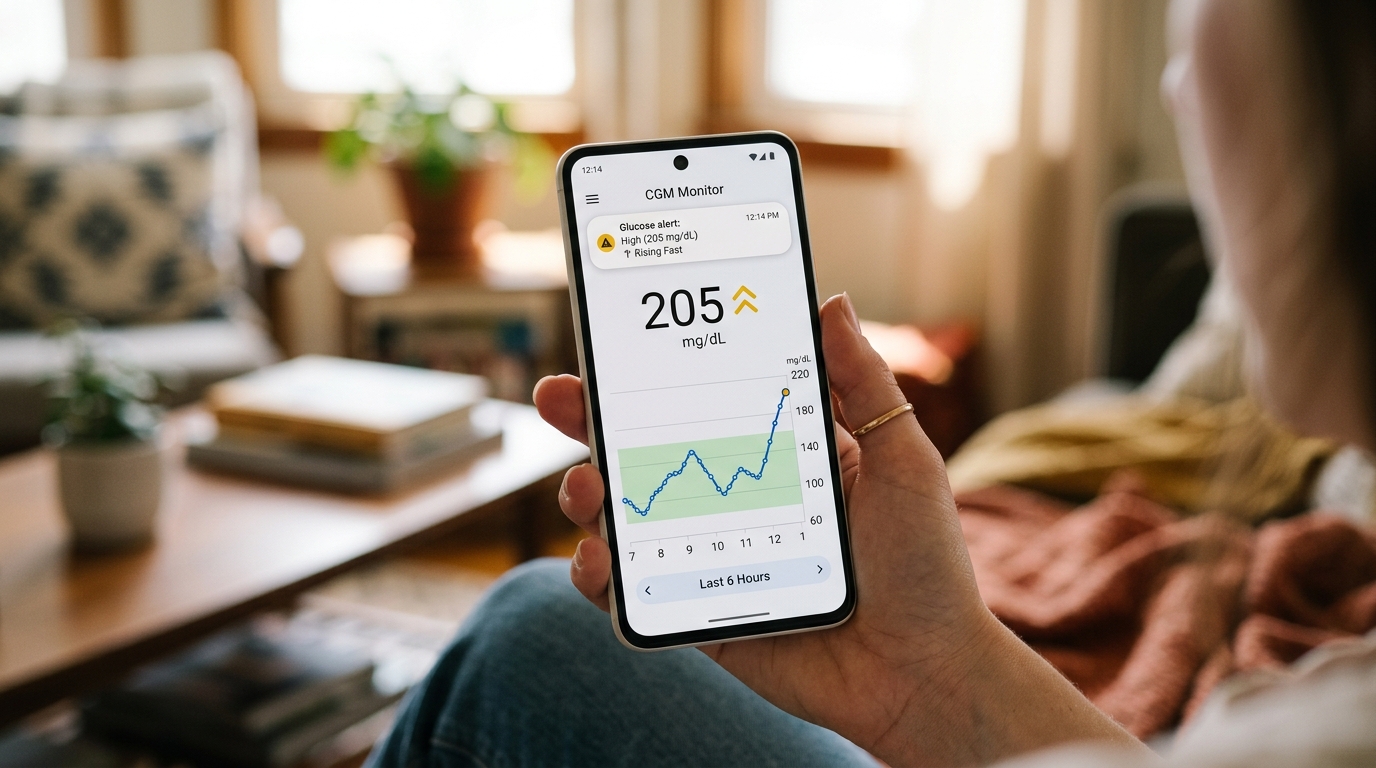
For most users, alerts fall into three categories. High alerts warn you when your reading is climbing above your target range. Low alerts warn you when your reading is dropping into a zone that could cause symptoms. Rate of change alerts warn you when your glucose is moving fast in either direction, even if the reading is still inside your normal range.
Setting Your High Alert
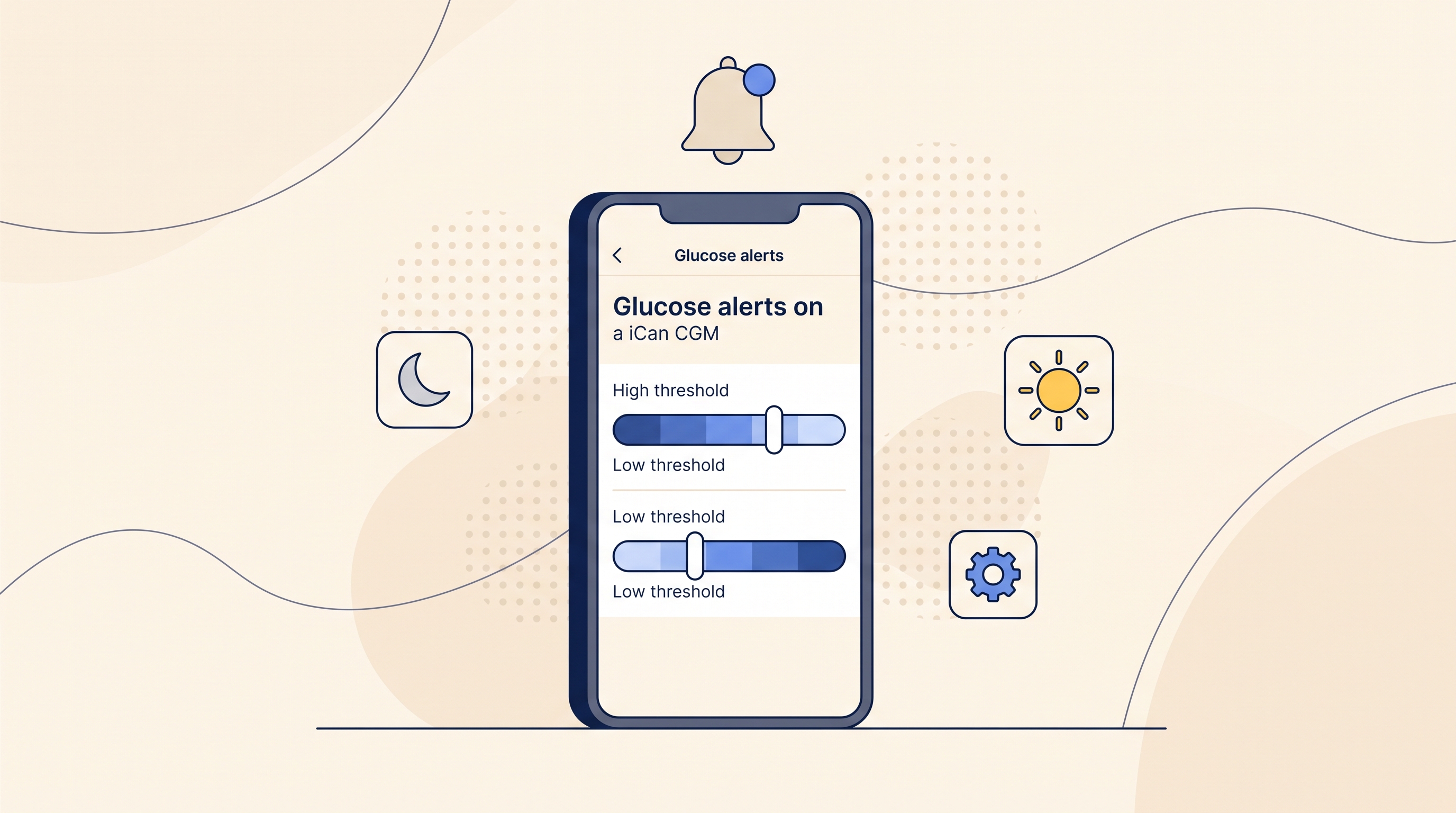
The default high alert on most iCan CGM setups sits at 180 mg/dL, which is the standard clinical threshold. For general wellness users who want tighter control, moving the high alert to 160 mg/dL gives earlier warning. This helps you spot meals that spike you before the peak turns into a crash.
If you are actively working on food choices and want to learn your patterns, a high alert at 140 mg/dL is even more informative. Just be aware that a tighter threshold means more alerts, especially in the first two weeks while you learn your food responses.
For users managing diabetes, your doctor may recommend a specific threshold based on your treatment plan. Follow that advice rather than adjusting the number on your own.
Setting Your Low Alert
The default low alert usually sits at 70 mg/dL, which is where mild low glucose symptoms tend to begin. Some users prefer to set the alert slightly higher, around 80 mg/dL, so they get a warning before symptoms appear. This is useful for athletes, people who train fasted, and anyone who has a history of dizzy spells.
Setting the low alert too high creates alert fatigue, because your glucose will often dip below the threshold naturally between meals. Setting it too low delays warning until you already feel unwell. A range between 70 and 80 mg/dL works well for most users.
Rate of Change Alerts
Rate of change alerts fire when your glucose is moving quickly, even if the reading itself is not extreme. A fast rise of more than 3 mg/dL per minute usually means a strong post meal spike is coming. A fast fall of more than 3 mg/dL per minute can warn you of an approaching low before it becomes a problem.
These alerts are especially useful during workouts and after alcohol. If your iCan CGM warns you of a fast drop during exercise, you have time to eat a small snack before you crash.
Nighttime Alert Settings
Nighttime alerts need special attention. A single alert at three in the morning can ruin your sleep and leave you tired for two days. Set your overnight low alert slightly lower than your daytime setting, and set your overnight high alert slightly higher. Many users choose 65 mg/dL for the low alert and 200 mg/dL for the high alert during sleep hours.
This does not mean overnight readings do not matter. It means the alert should only fire when action is genuinely needed at that hour.
Avoiding Alert Fatigue
Alert fatigue is real. If your phone buzzes every 20 minutes, you will start swiping the notifications away without reading them, and one day you will miss a real drop. To avoid this, adjust your settings gradually. Start with the defaults for the first two weeks, then narrow the range as you get used to your patterns.
If you find yourself dismissing alerts without action, they are set too tight. Loosen the range by 10 to 20 mg/dL and see if the balance feels better.
Recommended Setups for Different Users
For general wellness users, a high alert at 160 mg/dL and a low alert at 75 mg/dL works well for most days. For athletes, a low alert at 80 mg/dL and a rate of change alert during workouts is useful. For users tracking prediabetes patterns, tighter high alerts around 140 mg/dL help catch food triggers early. For users managing diagnosed diabetes, follow your care team's guidance rather than a general recommendation.
Your iCan CGM lets you fine tune each setting, so the alerts serve your actual life instead of interrupting it.