If you have recently started looking into the iCan i3, you may have noticed there are actually two apps connected to the device, the iCan CGM app and the iCan Reach app, and it is not always obvious at first which one you are supposed to use. The short answer is that both apps play a role, but they serve different people with different needs. This article walks through exactly what each app does, who it is meant for, and how to decide whether you need one or both.
What the iCan CGM App Is For
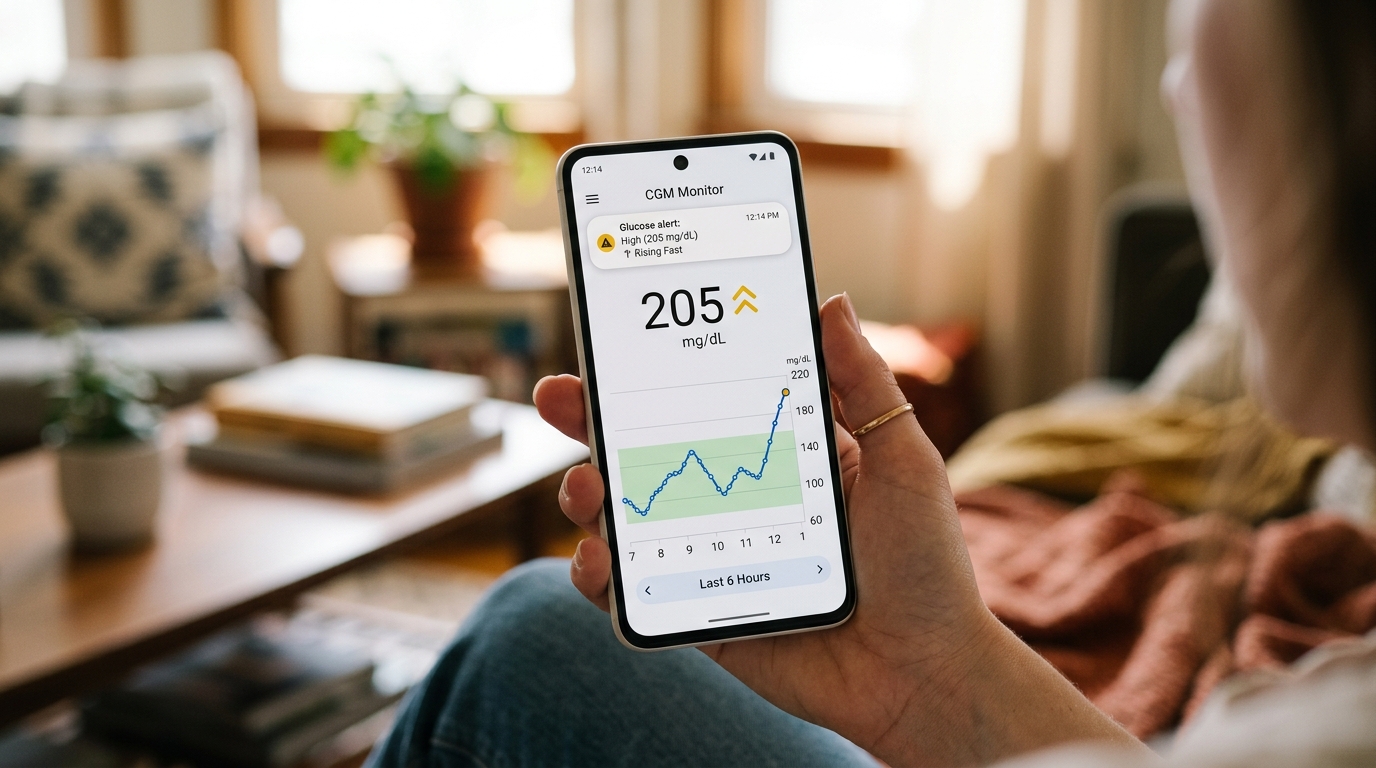
The iCan CGM app is the primary app for the person actually wearing the sensor. Once your sensor is applied and paired with your phone, this app becomes your main window into your glucose data. It shows your current glucose number front and center, along with a trend arrow that tells you whether your levels are rising, falling, or holding steady.
Beyond the current reading, the app displays a graph covering your recent hours or days, letting you see patterns over time rather than just a single number in isolation. You can set your own alert thresholds for high and low glucose, so the app notifies you the moment your levels cross outside your chosen range, which is especially useful overnight when you would otherwise have no way of knowing your glucose is dropping.
The app also generates reports you can bring to a doctor's appointment, summarizing your glucose patterns over a chosen period. This turns weeks of continuous data into something a doctor can quickly review and use to adjust your treatment plan, rather than relying on a handful of scattered finger prick readings from a paper logbook.
In short, the iCan CGM app is built around the person managing their own diabetes day to day. If you are the one wearing the sensor, this is the app you will spend the most time using.
What the iCan Reach App Is For
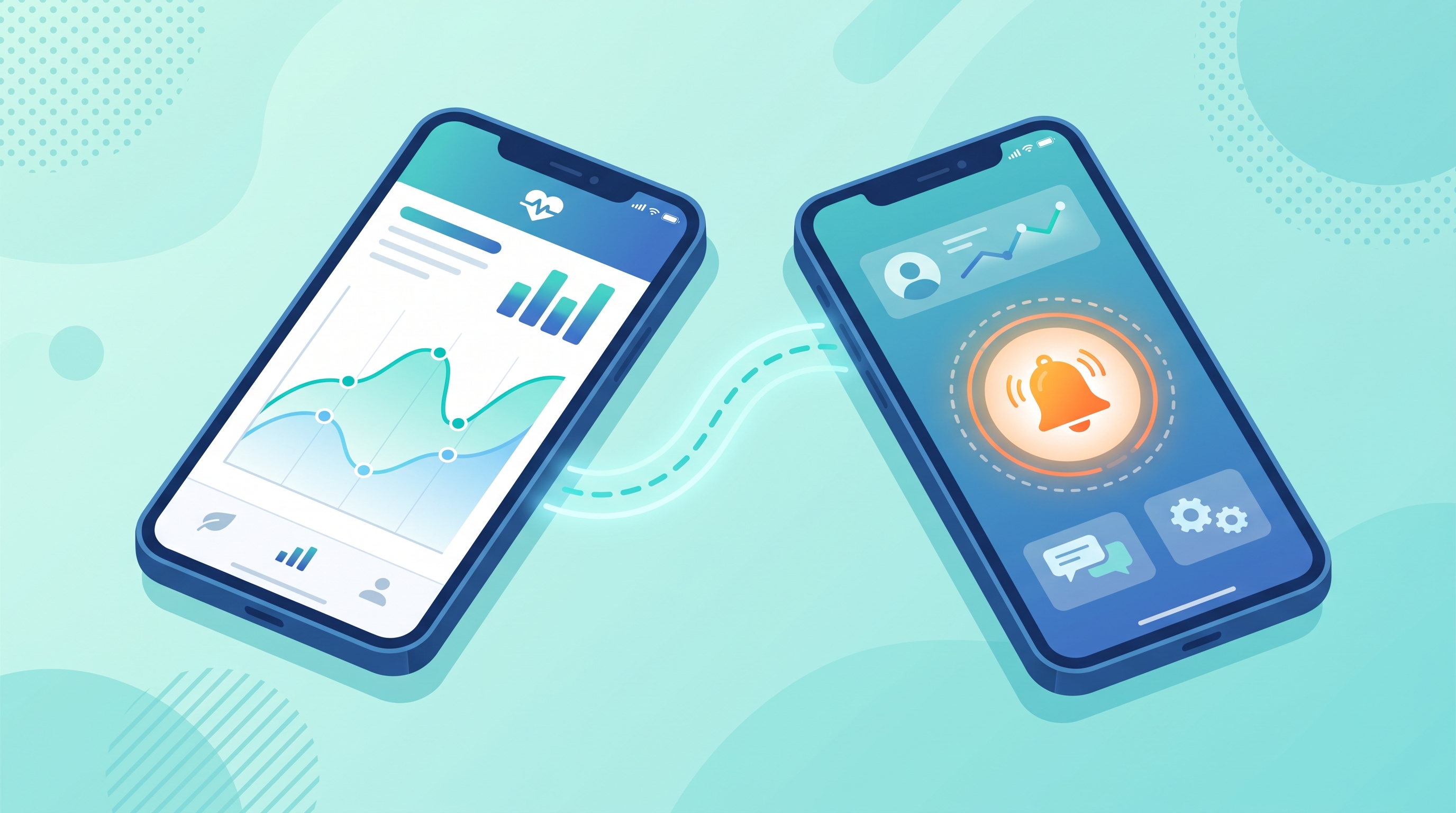
The iCan Reach app serves a different purpose. Rather than being built for the person wearing the sensor, it is designed for a family member, spouse, or caregiver who wants to monitor someone else's glucose remotely. Once linked to the primary user's account, with their permission, the Reach app allows a second person to view the same real time glucose data and receive the same high and low alerts, but from their own phone, wherever they happen to be.
This is particularly valuable for parents of children with type 1 diabetes, who often need to keep an eye on their child's glucose even when they are not physically together, such as during school hours or when the child is staying at a relative's house. It is equally useful for adult children looking after an elderly parent managing diabetes, especially if that parent lives alone or in a separate household.
Rather than needing to call and ask how someone's glucose is doing, or worrying constantly without any real information, the Reach app gives a caregiver direct visibility into the same data the primary user sees, along with the same alerts if something needs attention.
Do You Need Both Apps
Whether you need one app or both really comes down to your specific situation.
If you are an adult managing your own diabetes independently, without a family member needing to monitor you remotely, the iCan CGM app on its own covers everything you need. You will see your readings, get your alerts, and generate your reports all within that single app.
If you are a parent of a child with diabetes, both apps typically come into play. The child, or more realistically the parent managing the child's device, uses the iCan CGM app to view and manage the day to day data, while the parent also installs the iCan Reach app on their own phone, or on a second phone if needed, to receive alerts and check readings remotely when they are not with the child.
If you are caring for an elderly parent or another adult family member who wears the sensor themselves, the primary user still uses the iCan CGM app, while you as the caregiver install the Reach app to stay connected to their data without needing to be constantly present.
Setting Up the Connection Between the Two Apps
Connecting the two apps generally involves the primary user granting permission through their iCan CGM app for a specific person to follow their data using the iCan Reach app. This usually works through a simple invite or connection code generated within the primary app, which the caregiver then enters into their own Reach app to establish the link.
Once connected, the caregiver's Reach app updates in near real time alongside the primary user's CGM app, meaning both people are essentially looking at the same live data stream, just from two different devices. This setup respects the primary user's control over who can see their information, since the connection only happens with their active permission rather than automatically.
What Information the Reach App Actually Shows
The iCan Reach app generally mirrors much of what the primary CGM app shows, including the current glucose reading, the trend arrow, and a recent history graph. It also passes along the same high and low alerts, so a caregiver is notified at the same time as the primary user, or even if the primary user misses or dismisses an alert on their own end.
Some features, like detailed long term reports meant for doctor visits, may remain primarily within the main iCan CGM app used by the person wearing the sensor, since that app is built around the ongoing management of their own care, while the Reach app focuses more on real time visibility and alerts for the person supporting them from a distance.
Why This Two App Structure Makes Sense
Splitting the experience into two separate apps, rather than cramming every feature into one, keeps each app focused on its actual purpose. The primary user gets an app centered on managing their own daily glucose data without unnecessary clutter from caregiver specific features they may not need. The caregiver gets a simpler, focused view built around monitoring and alerts, without needing to navigate settings meant for someone actively managing insulin doses or medication timing.
This structure also respects privacy and control. Since the connection between the two apps requires active permission from the primary user, no one can start monitoring someone else's glucose data without their knowledge or consent, which matters a great deal when dealing with sensitive health information.
A Simple Way to Decide Which App You Need
If you are the one wearing the iCan i3 sensor, start with the iCan CGM app. That is your primary tool, and for many adults managing their own diabetes independently, it may be the only app you ever need.
If you have a loved one who wears the sensor and you want to stay connected to their glucose readings without needing to be physically present, ask them to set up a connection through their iCan CGM app, then install the iCan Reach app on your own phone to receive that shared access.
If you are managing a child's diabetes yourself, you may end up using both apps in tandem, the CGM app to actively manage their care and the Reach app on a second device, like your own phone, so you can check in throughout the day even when you are not right next to them.
What Happens if the Connection Between Apps Drops
Occasionally, a caregiver using the Reach app might notice a brief gap in updates, usually caused by something ordinary like a weak internet connection on either phone, Bluetooth being temporarily switched off on the primary user's device, or the primary phone being out of range or turned off for a while. In most cases, simply waiting a few minutes for both devices to reconnect to the internet resolves the issue on its own, and the Reach app catches up with the missed readings once the connection is restored.
If the gap continues for longer than expected, checking that both phones have a stable internet connection and that the primary user's Bluetooth and app permissions are still active usually solves the problem. Since the Reach app relies on the primary CGM app staying connected and online, any interruption on that end will naturally affect what the caregiver sees until the connection comes back.
Revoking or Changing Access Later On
Circumstances change over time, and the primary user always retains control over who can view their data through the Reach app. If a connection no longer makes sense, for example if a child grows older and prefers to manage their own diabetes more independently, or if a caregiving arrangement changes, the primary user can revoke access through their iCan CGM app settings at any point. This stops the connected Reach app from receiving further updates, giving families flexibility to adjust these arrangements as needs shift over the months and years of managing a chronic condition together.
Final Thoughts
The iCan CGM app and the iCan Reach app are not competing options where you have to pick one over the other. They are two parts of the same system, built for two different roles, the person wearing the sensor and the person supporting them from a distance. Understanding this distinction makes it much easier to set up your device the right way from the start, no matter if you are managing your own diabetes, looking after a child, or keeping an eye on an aging parent from another room or another city.