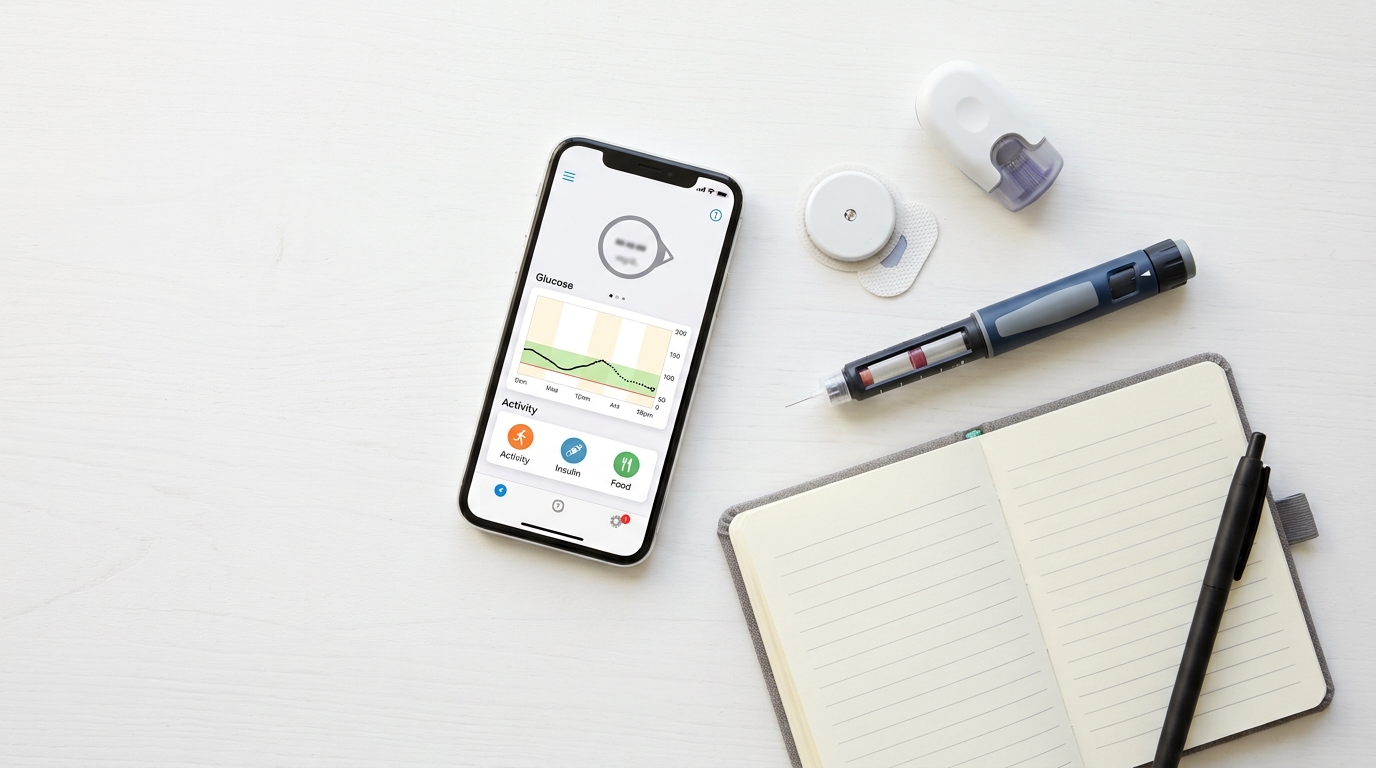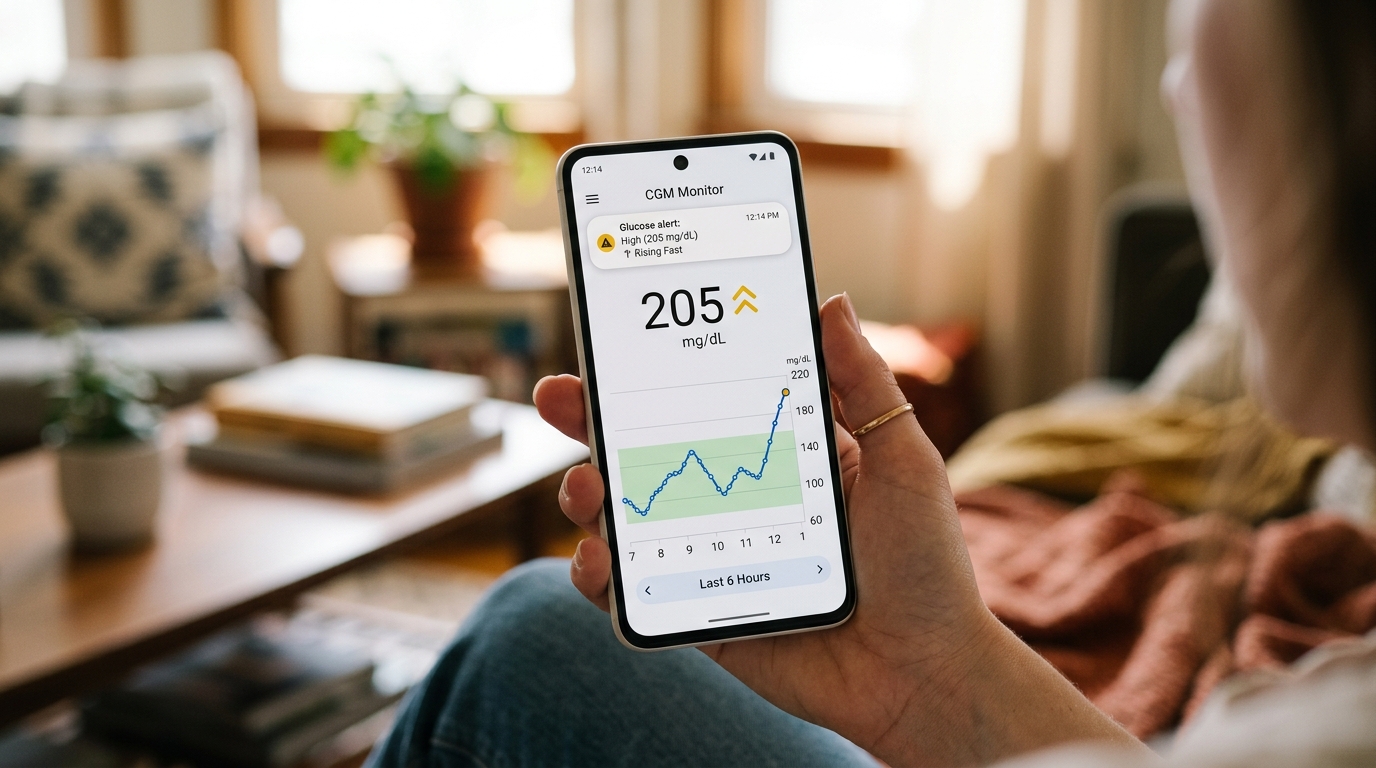
The performance of your iCan CGM starts long before you press it onto your arm. How you store and handle the sensor between purchase and application has a real effect on how well it works. Sensors that are exposed to extreme heat, humidity, or rough handling often fail early or produce inaccurate readings. This guide walks you through the small storage habits that protect your sensor and keep your data reliable.
Store at Room Temperature
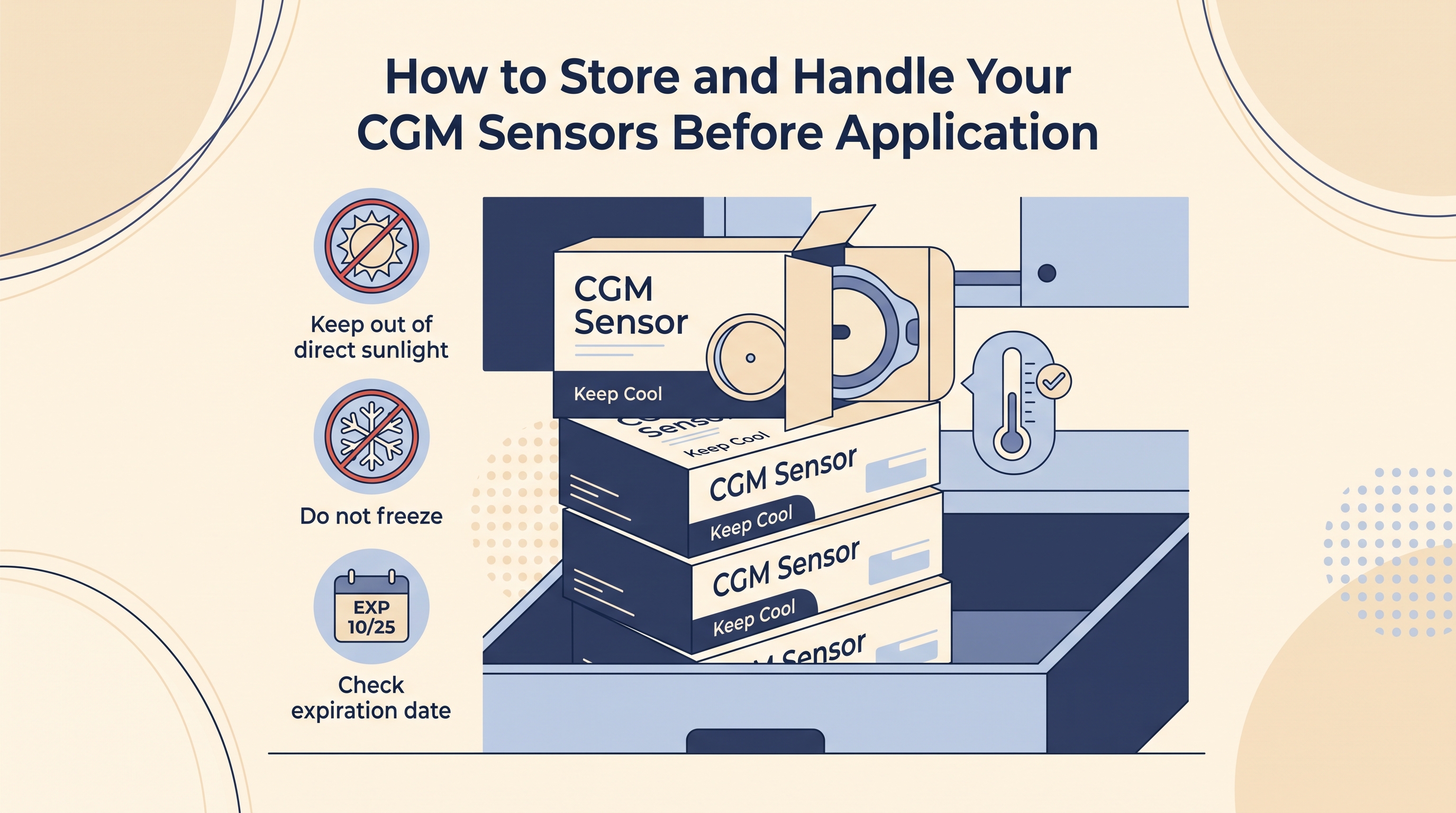
Your iCan CGM sensors are designed to be stored between roughly 4 and 30 degrees Celsius. Room temperature is the safest zone. A drawer, a cupboard, or a shelf inside your home works well. Avoid places where the temperature can swing during the day, such as a window sill in direct sun, a car dashboard, or the top of a fridge that heats up when the compressor runs.
If you live in a hot climate like Karachi, keep sensors in the coolest part of your home during summer months. Extreme heat can damage the sensor chemistry, and once that happens the sensor may still turn on, but the readings will drift.
Keep Sensors in Their Original Packaging
Do not open the sterile packaging until you are ready to apply the sensor. The seal protects the applicator from dust, humidity, and physical damage. Once the seal is broken, the sensor should be used within a short window, because exposure to air affects the adhesive and the reading surface.
If you buy a multi sensor pack, keep the remaining sensors sealed inside their outer box. The box adds a second layer of protection against light and small temperature changes.
Watch the Expiry Date
Every iCan CGM sensor has an expiry date printed on the packaging. Do not use a sensor after this date. The chemistry inside the sensor breaks down slowly over time, and an expired sensor can produce readings that are off by 20 mg/dL or more. If your sensor is close to expiry, use it soon rather than saving it for later.
Rotate your stock the way you would with food. Use older sensors first and place newer ones at the back of your storage drawer. This is especially important if you order several months of sensors at a time.
Protect From Extreme Cold
While room temperature is ideal, extreme cold can also damage sensors. Do not store your iCan CGM sensors in a freezer, and do not leave them in a car during winter nights. If a sensor gets very cold, let it warm to room temperature naturally before you open the package. Do not use hot water or a heater to speed up the process, because sudden temperature shifts can damage the internal components.
Handle Sensors Gently
Sensors have delicate parts inside, especially the filament that inserts under your skin. Rough handling can bend or damage the filament without you noticing. Do not drop the sealed package on a hard floor, and do not toss it into a bag with heavy items on top.
When you take the sensor out for application, hold the applicator by its body rather than the base. Fingerprints and skin oils on the adhesive can weaken the bond before you even reach your arm.
Traveling With Your Sensors
If you travel, pack your iCan CGM sensors in your carry on bag rather than checked luggage. Cargo holds can reach temperatures well outside the safe storage range, especially on long flights. Your carry on stays in the cabin, which is climate controlled.
Airport security scanners are safe for CGM sensors, but some manufacturers recommend hand inspection to be cautious. If you plan to ask for hand inspection, keep the sensors in their original packaging so security staff can see the medical labeling clearly.
For long trips, pack sensors in a small padded pouch or a hard case. This protects them from getting crushed in a suitcase and keeps them clean.
Check Before You Apply
Before opening a sensor, look at the packaging for signs of damage. A punctured seal, a discolored patch, or any sign of moisture inside the pack means the sensor is compromised. Do not use it, and contact customer support with the batch number so a replacement can be arranged.
Check the applicator when you open it. The base should look clean, the adhesive should be flat, and there should be no visible damage to any part of the housing. If anything looks off, use a different sensor and save the damaged one for the support team.
Small Habits That Protect Your Data
Storage and handling might feel like small details, but they shape how well your iCan CGM performs across every 14 day wear. A cool, dry drawer, sealed packaging, and gentle handling before application keep your sensors ready to give you the clean, reliable data you paid for. A few minutes of care in storage saves hours of frustration later.