If you have just started using a continuous glucose monitor, one of the first questions that comes up is a practical one. How long will the battery hold up, and how far can you walk away from your phone before the connection drops? These are not small concerns. When you are relying on real time glucose readings to manage your day, a dead battery or a lost signal at the wrong moment can feel genuinely stressful.
This guide walks through what actually affects battery life and Bluetooth range on the iCan CGM system, what kind of performance you can realistically expect, and some simple habits that help you get more consistent results.
How the iCan CGM Sensor and App Work Together
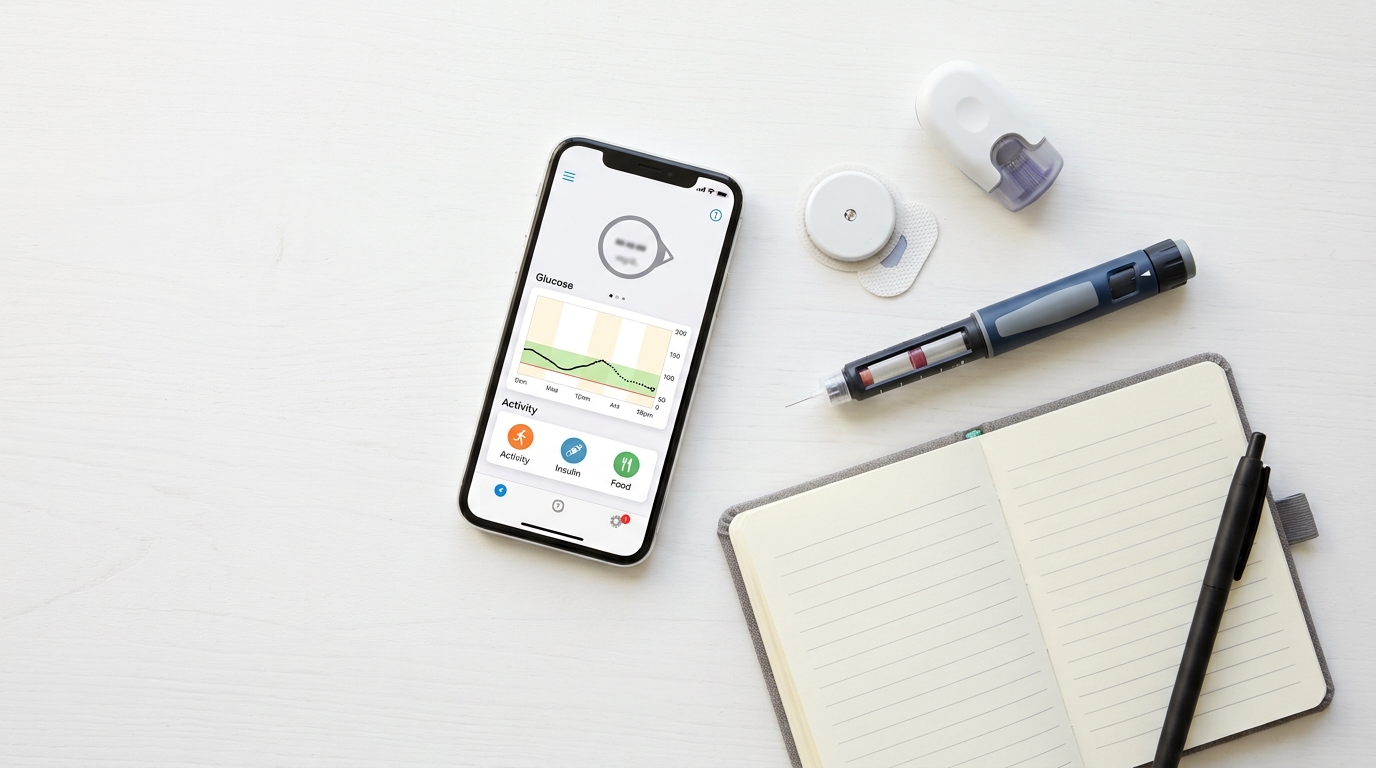
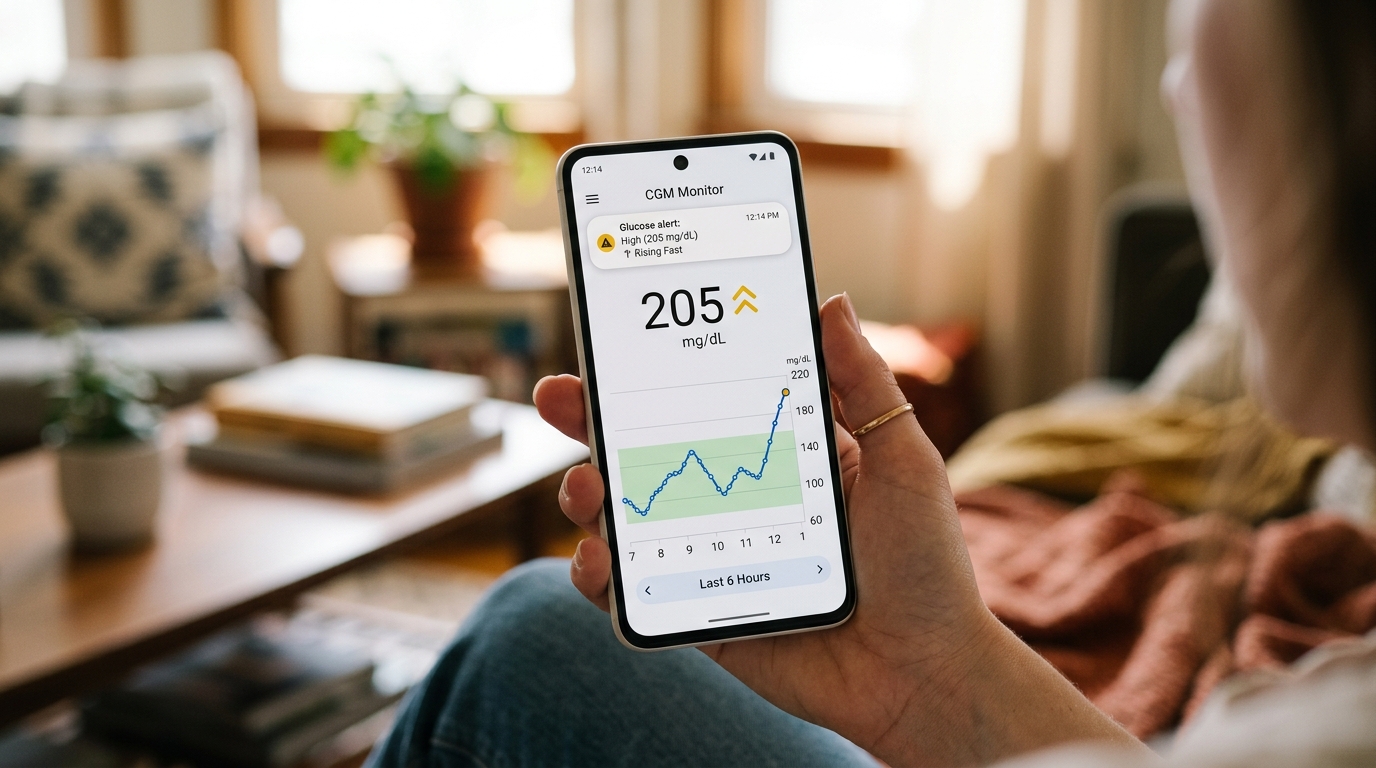
Before getting into numbers, it helps to understand the basic setup. The iCan CGM sensor sits on your skin and continuously measures glucose levels in the fluid just beneath the surface. It sends that data wirelessly, using Bluetooth Low Energy, to the iCan CGM app on your smartphone. The app then turns those readings into the graphs, alerts, and trends you see on your screen.
Because this is a two way relationship between a small wearable sensor and your phone, both devices play a role in how long things last and how reliably they stay connected.
The Sensor's Own Power Source
The sensor itself has a built in power cell that is sealed at the factory and is not rechargeable or replaceable. This is normal for CGM sensors across the industry, not just iCan. The sensor is designed to run continuously for its full wear period, typically matching the approved wear duration printed on the packaging, before you replace it with a new one.
The Role of Your Smartphone
Your phone's battery is a separate factor entirely. Running the iCan CGM app in the background does use some power, since it is constantly listening for Bluetooth signals and updating your glucose graph. On most modern smartphones this additional drain is modest, similar to having a fitness tracker app or a music streaming app open throughout the day.
What Affects Bluetooth Connection Range
Bluetooth Low Energy technology, the kind used by the iCan CGM sensor, is built for low power consumption rather than maximum range. In open, unobstructed conditions many users find they can walk 15 to 20 feet away from their phone and keep a stable connection. In real life, though, several things can shrink that range considerably.
Walls and floors matter more than distance in a straight line. A sensor and phone separated by two rooms, even if physically close, may struggle more than a sensor and phone that are farther apart but in the same open space.
Body position plays a role too. Since the sensor is worn on the body, your own body can partially block the signal depending on which arm the sensor is on and which pocket your phone is in.
Other wireless devices create interference. Wifi routers, microwaves, and other Bluetooth devices operating nearby can all compete for the same general radio frequency space, occasionally causing brief drops or delays in syncing.
Typical Range You Can Expect Day to Day
Most people using the iCan CGM app report a workable range of roughly 6 to 10 meters (about 20 to 33 feet) under normal indoor conditions, dropping somewhat if there are walls in between. Outdoors with a clear line of sight, this range can sometimes extend further. If you keep your phone in your pocket or nearby on a desk, you are unlikely to notice any disruption during a typical day.
How Long Does the App Itself Drain Your Phone Battery?
This is where a lot of new users are pleasantly surprised. Because Bluetooth Low Energy is specifically engineered to minimize power draw, running the iCan CGM app in the background for a full 24 hour period typically uses only a small percentage of your total phone battery, often comparable to having your screen brightness turned up slightly higher than usual.
Heavier battery use tends to come from other factors layered on top of the app itself, such as:
- Keeping your screen on frequently to check readings
- Having many other apps also running in the background
- Using an older phone battery that no longer holds a full charge as well as it once did
- Poor signal areas that cause the app to work harder searching for the sensor
If you notice unusually fast battery drain, it is often worth checking whether other apps are also running heavily in the background rather than assuming the CGM app itself is the sole cause.
Practical Tips to Get the Most Reliable Performance
A few small habits can make a noticeable difference in your day to day experience with the iCan CGM system.
Keep Your Phone Within Reasonable Range
Try to keep your phone somewhere on your person, such as a pocket, or within a room or two of wherever you are. This reduces the chances of a connection gap, particularly overnight if you tend to leave your phone in another room.
Restart the App Occasionally
Like most apps that run continuously, closing and reopening the iCan CGM app every so often can help clear up small glitches and keep the connection running smoothly, especially after a phone update.
Keep Your Phone's Operating System Updated
Bluetooth performance can sometimes be affected by outdated phone software. Keeping your phone's operating system reasonably current helps ensure compatibility with the app.
Charge Your Phone Before Bed
Since overnight monitoring is one of the most valuable features of a CGM, a phone that dies at 3am defeats the purpose. Making a habit of charging your phone before sleep, or keeping a charger within reach, avoids this common gap.
Avoid Placing Your Phone Right Next to Other Wireless Devices
If you notice frequent dropouts, try moving your phone away from your wifi router, smart speaker, or other Bluetooth accessories, since these can occasionally cause brief interference.
What to Do If You Experience Frequent Disconnections
Occasional brief disconnections are normal and are usually resolved automatically once you are back within range. If disconnections happen often, even when your phone is close by, a few things are worth checking. Make sure Bluetooth is properly enabled on your phone and that the iCan CGM app has been granted the necessary permissions, including background activity and location access, since some phones require location permissions for Bluetooth scanning to work properly.
It is also worth confirming that your phone's battery saver mode is not aggressively restricting background apps, since some phones will limit background Bluetooth scanning to save power, which can interrupt syncing.
Frequently Asked Questions
Can I replace the battery inside the iCan CGM sensor? No. The sensor's power source is sealed inside and is designed to last for the sensor's full approved wear period. It is not intended to be opened, replaced, or recharged.
Does the app drain my phone battery faster than social media apps? Generally no. Bluetooth Low Energy based apps like the iCan CGM app typically use far less battery than apps that stream video or constantly refresh content.
What happens if my phone dies while I am wearing the sensor? The sensor continues collecting glucose data even if your phone is off or out of range, and in many cases will store recent readings that sync back to the app once your phone reconnects, depending on the sensor's storage capacity.
Does wearing the sensor on my dominant arm affect the connection? It can have a small effect depending on how you typically hold or carry your phone, but most users do not notice a meaningful difference in day to day use.
Will a phone case affect Bluetooth range? Thick cases made of dense materials can slightly reduce range, though this effect is usually minor for most standard cases.
If you continue to experience persistent battery or connection issues after trying these steps, reaching out to iCan CGM customer support directly is the best way to get help specific to your device and situation.